Translate a spoken video
Make another-language version of an existing video, then review it before sharing.
When to use translation
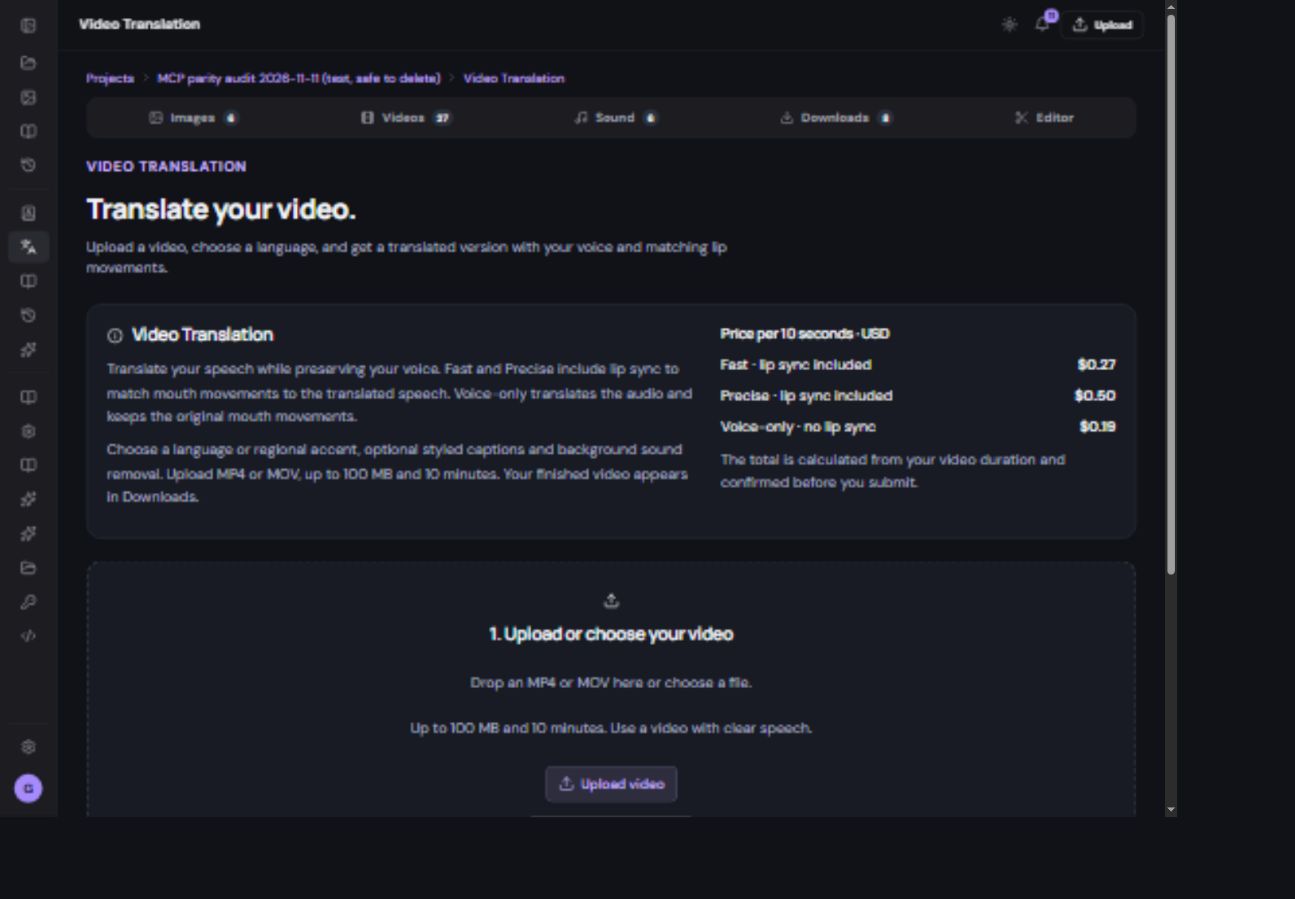
Use Video translation when you already have a spoken video and want another-language version. This is different from writing a new script for an avatar. Open Video translation from the sidebar or the translation action in Videos.
Prepare the source
Choose an existing video or upload one. The current form accepts MP4 or MOV up to 100 MB and 10 minutes. Use a clip with clear, audible speech. A silent clip does not provide speech to translate. Check the upload completes before proceeding.
Choose how to translate it
- Select the target language.
Choose the offered regional accent when relevant. Confirm it is the language your audience needs.
- Choose the translation mode.
Fast and Precise include the offered lip-sync workflow. Voice only keeps the original mouth movements, so they may not match the translated speech.
- Review optional controls.
Use styled captions or background-sound removal only when offered and appropriate for the source.
- Check the duration-based price.
Review the quote and confirm once. Follow the running job rather than sending a duplicate.
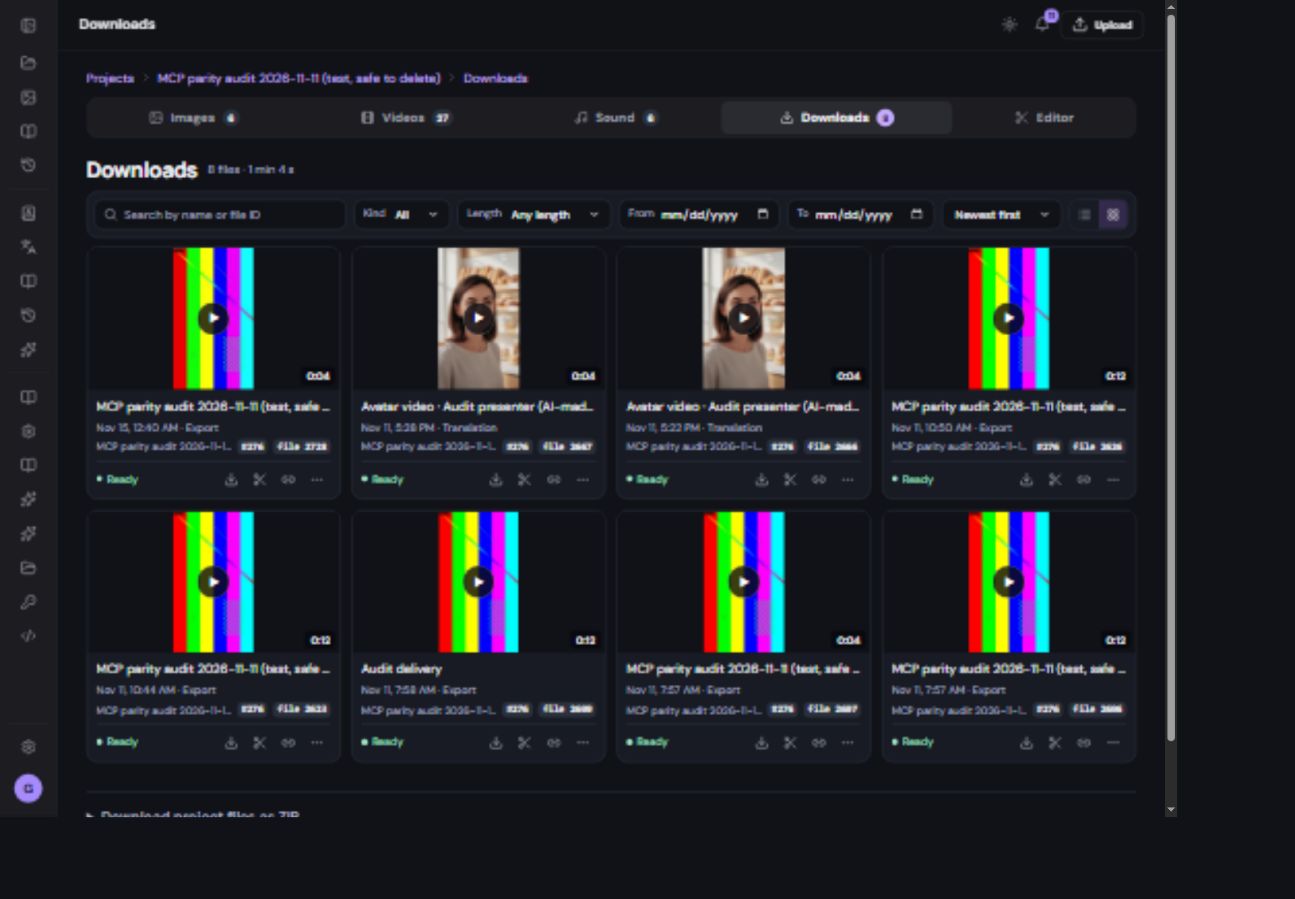
- Open the result in Downloads.
Look in recent translations or filter for translated videos. Play it from beginning to end.
Check before you share
- Listen for correct names, brand terms and pronunciation.
- Check that the intended meaning survived translation; ask a fluent speaker when accuracy matters.
- Watch whether speech and mouth movement match for the selected mode.
- Read captions and inspect their placement.
- If the source was unsuitable, use a clearer clip before trying again.