
Voice, music and sound
Create narration, a soundtrack or sound effects, then use them with your images and videos.
Choose what you want to hear
| Type | Example use |
|---|---|
| Voice | Read a product introduction or a presenter’s script. |
| Music | Add a background mood or a song. |
| Sound effects | Add a short effect such as a door opening or a gentle whoosh. |
| From the editor | Reuse sound saved from a video clip in the browser editor. |
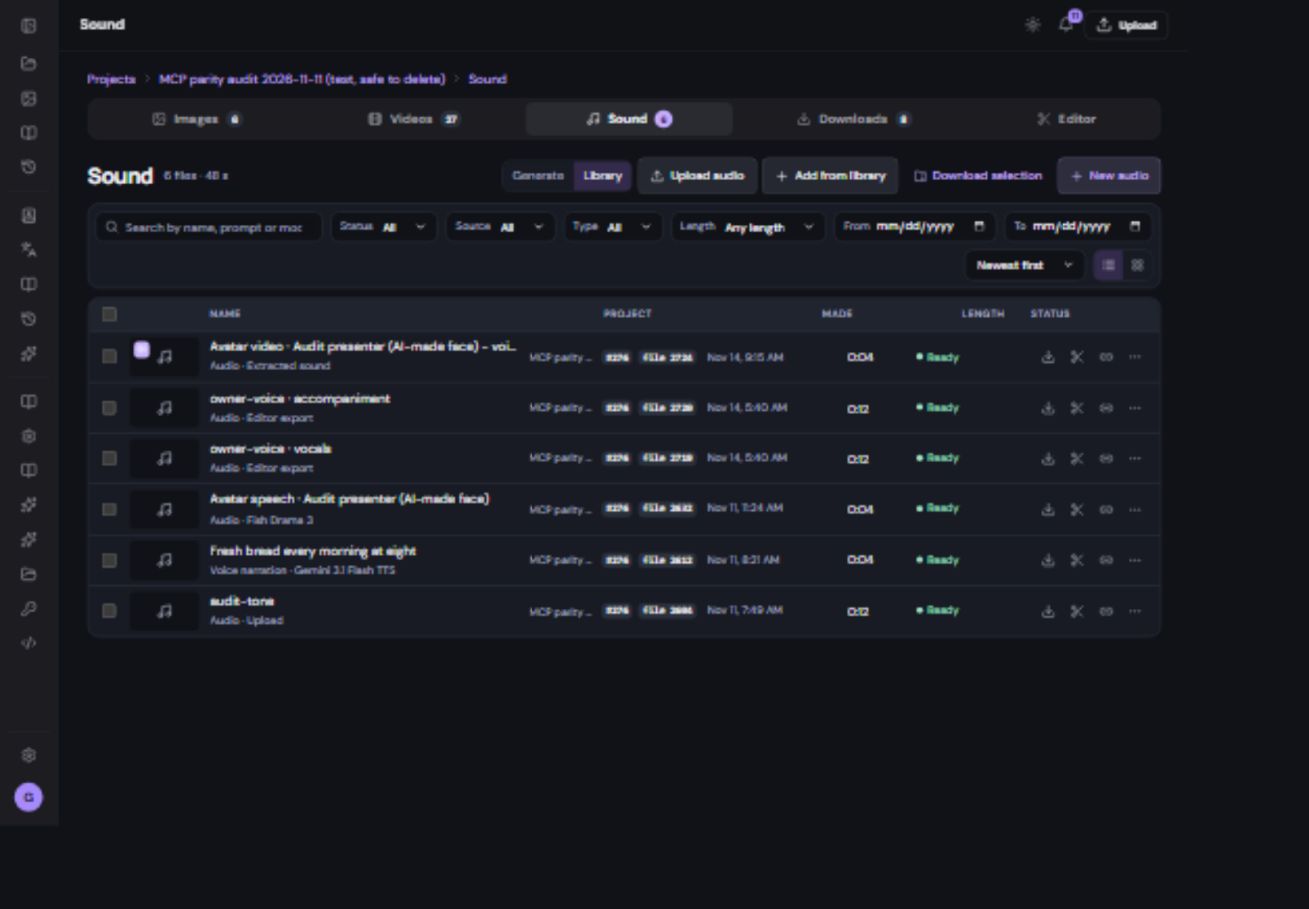
Make narration
- Open Sound and start a new generation.
Choose a voice model, such as the supported Gemini narration route.
- Write the words to speak.
Use short sentences and spell unusual names as you want them pronounced. A script is different from a description of the voice.
- Choose voice and delivery controls.
Use the presets and settings the selected model provides. For a reusable cloned voice, begin in Avatars & Characters.
- Review the quote and generate.
Listen to the complete recording, including the ending. Prepare a new version if pronunciation or pacing needs improvement.
- Send the approved audio to Editor.
Place it on a separate sound track so you can balance it against music and any existing video audio.
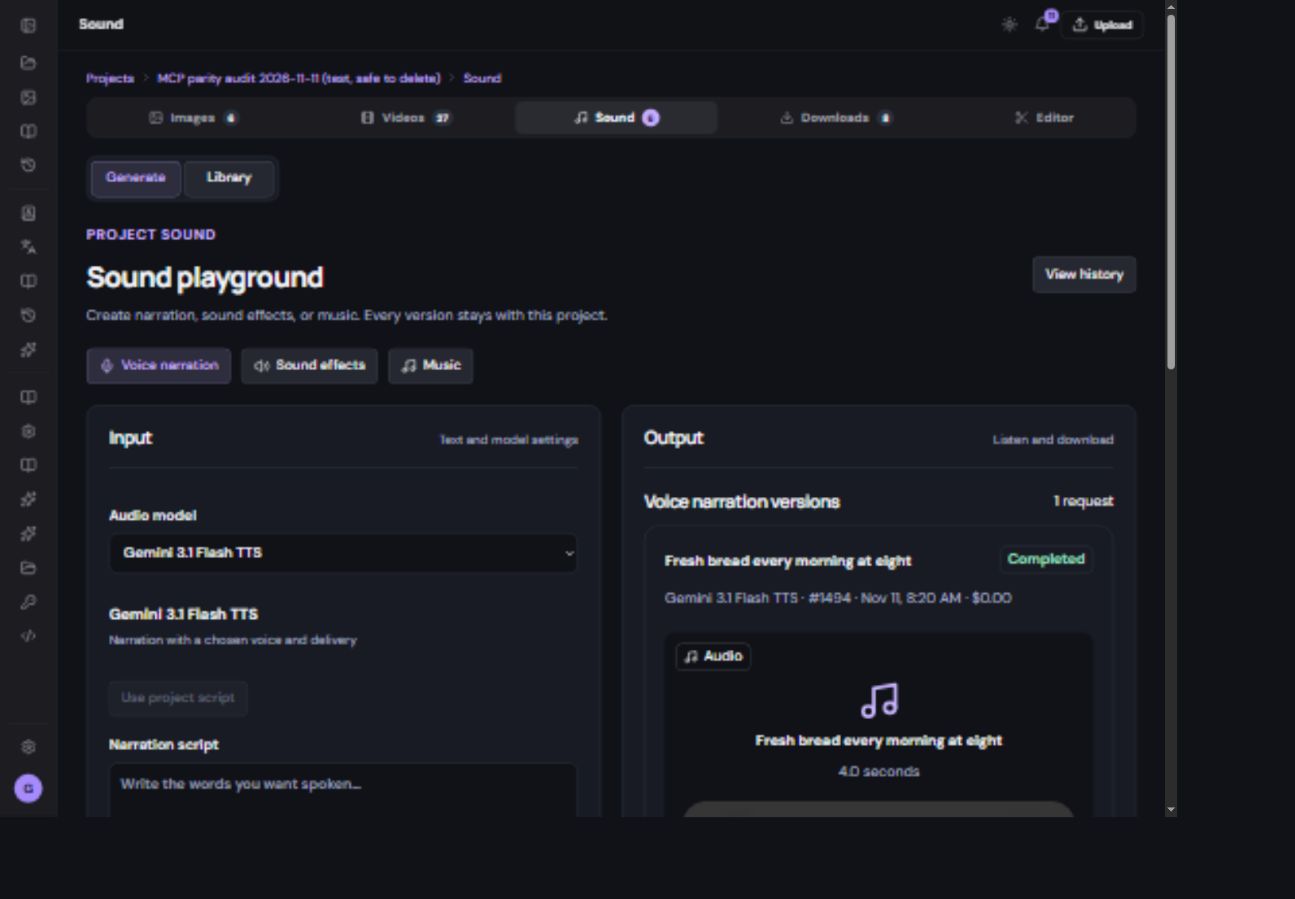
Make music or effects
For background music, describe mood, instruments, pace and energy. Use an instrumental mode when you want music without lyrics. A vocals mode requires the lyrics and other fields shown by that model. For effects, describe one audible event and its environment.
Warm instrumental café music, relaxed acoustic guitar and light percussion. Gentle beginning, steady energy, no lyrics.
The generated length may differ from your edited video’s length. Trim it in Editor and listen to the ending. Lower music under speech instead of letting both compete at full volume. Read the music model guide for mode-specific fields.
Reuse sound already in a video
You may not need another AI generation. The editor can save a clip’s original sound back to the project. The new file appears in Sound as From the editor. It is a separate audio file, not the complete edited soundtrack.