
Brands and reusable assets
Keep logos, product images and other recurring materials together for a business or client.
When a brand helps
Use a brand when several projects share the same business identity or source material. For example, a café’s logo and approved product images can support a launch reel, a menu image and a seasonal campaign without repeated uploads.
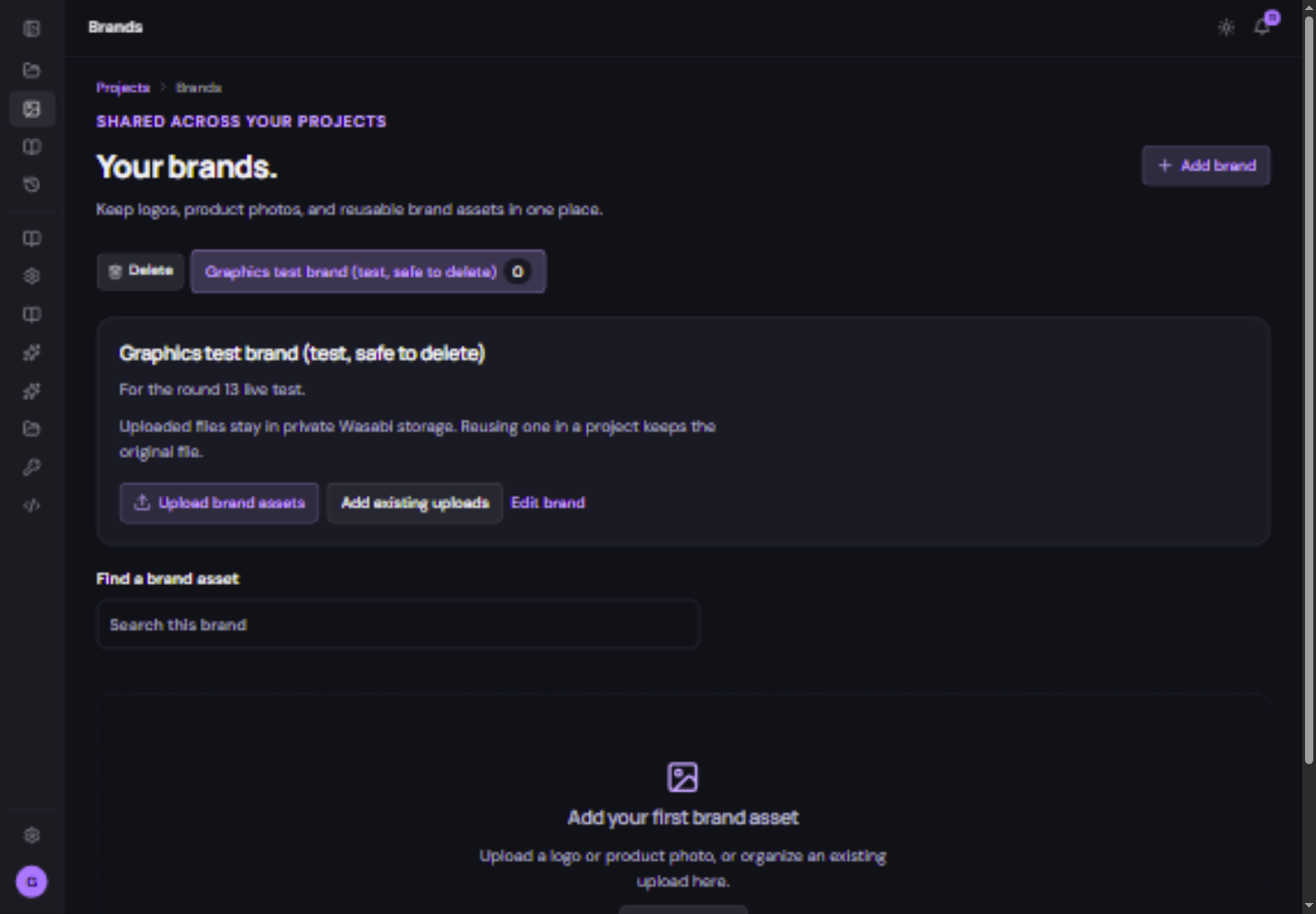
Build a useful brand library
- Open Brands and select or create the intended brand.
Use a clear business name so similar clients are easy to distinguish.
- Upload brand assets or add existing uploads.
Choose approved logos and product pictures. Wait for each upload to finish.
- Review the library.
Use descriptive filenames and inspect previews. Remove obsolete material only after checking whether other work depends on it.
- Associate the brand with relevant projects.
Then choose compatible brand media from the file picker when generating or editing.
Save an approved generated result
When the file and branded project support it, Save to brand keeps an approved result for reuse. Check that it appears in the brand library before relying on it. Brand uploads stay in the library; ordinary generated media and exports have their separate retention period.