
Your first reel: image, title and music
Make a simple finished video from one image and one soundtrack, without needing AI animation.
Plan a small finished result
Try a short vertical café reel. You need one picture, a short title and a music track. You can use your own image and audio or generate them in Create.
| Ingredient | Example |
|---|---|
| Image | A coffee cup beside a sunlit window. |
| Title | Your morning starts here. |
| Music | Gentle instrumental café music. |
| Finished result | A short portrait video you can download. |
Prepare the source files
- Make or upload the image in a named project.
Use a portrait shape for a vertical reel. Inspect the image before editing.
- Open Sound and prepare music.
Use an instrumental mode if you want background music without lyrics. Listen and choose the result you like.
- Open Editor.
Choose Import → From this project and select the image and music. Importing makes them available in Media; you still need to add them to the timeline.

Assemble the reel
- Add the image at the timeline start.
Set the project to the intended portrait shape. Give the still enough time for the headline to be read.
- Check the framing.
Select the image and use Fit or Fill in Inspector. Keep the cup and any important details inside the frame.
- Add a title from Text.
Replace the sample words and position the title where it is easy to read. Match its duration to the section where it should appear.
- Add music on a sound track.
Start it with the image, trim it to the intended end and choose a comfortable level.
- Play the entire result.
Check that the music does not continue beyond the visual and that there are no unwanted blank frames.
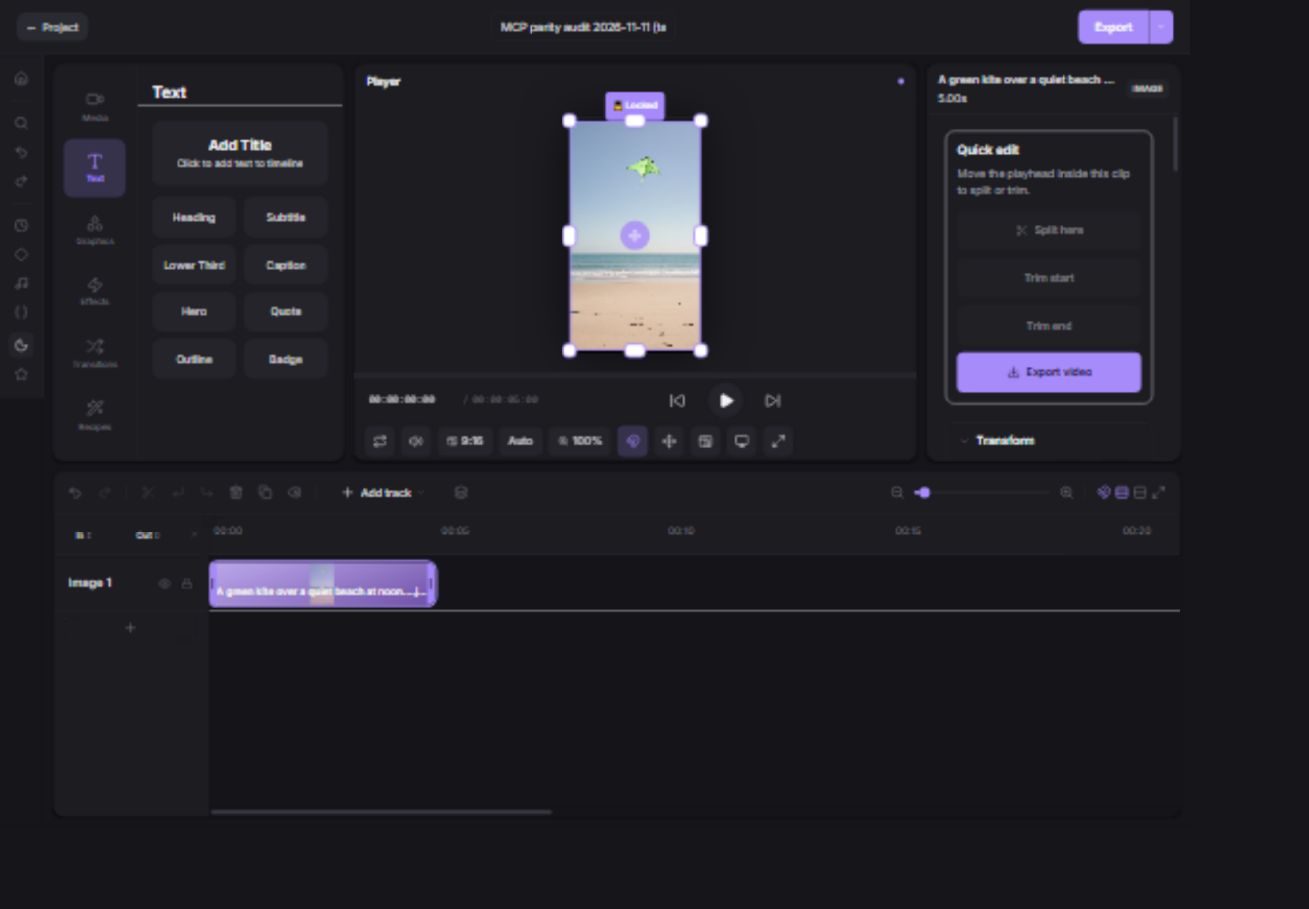
Export and keep it
- Open Export and choose Entire timeline.
Check shape, output settings and the destination.
- Choose Save to Downloads in Mango9 Create.
Keep the browser and computer awake while Export video runs.
- Open Downloads and play the exported file.
Download a local copy for delivery or posting. This is the finished reel, not the separate source image and music.