
Saved prompts and editing recipes
Reuse good instructions and understand the difference between a prompt and an editing recipe.
Save instructions you want to repeat
A prompt describes what the AI should make. Reusing a successful prompt can save writing time, but it still needs the right model, inputs and settings for the new job. Saved prompts are available in the project navigation; saved editing recipes have their own sidebar page.
Keep the supplied product unchanged. Use soft morning light, a neutral cream background and room above for a short headline.
Use a saved prompt well
- Find the saved prompt for the job.
Read its wording before applying it to a different brand or subject.
- Replace the parts that should change.
Update the product, audience, placement and required lettering.
- Choose the model and references.
Prompt text does not automatically supply the required photo, speech or motion clip.
- Review the new quote before generating.
Reusing instructions starts a new operation; it does not reuse the old result for free.
Understand editing recipes
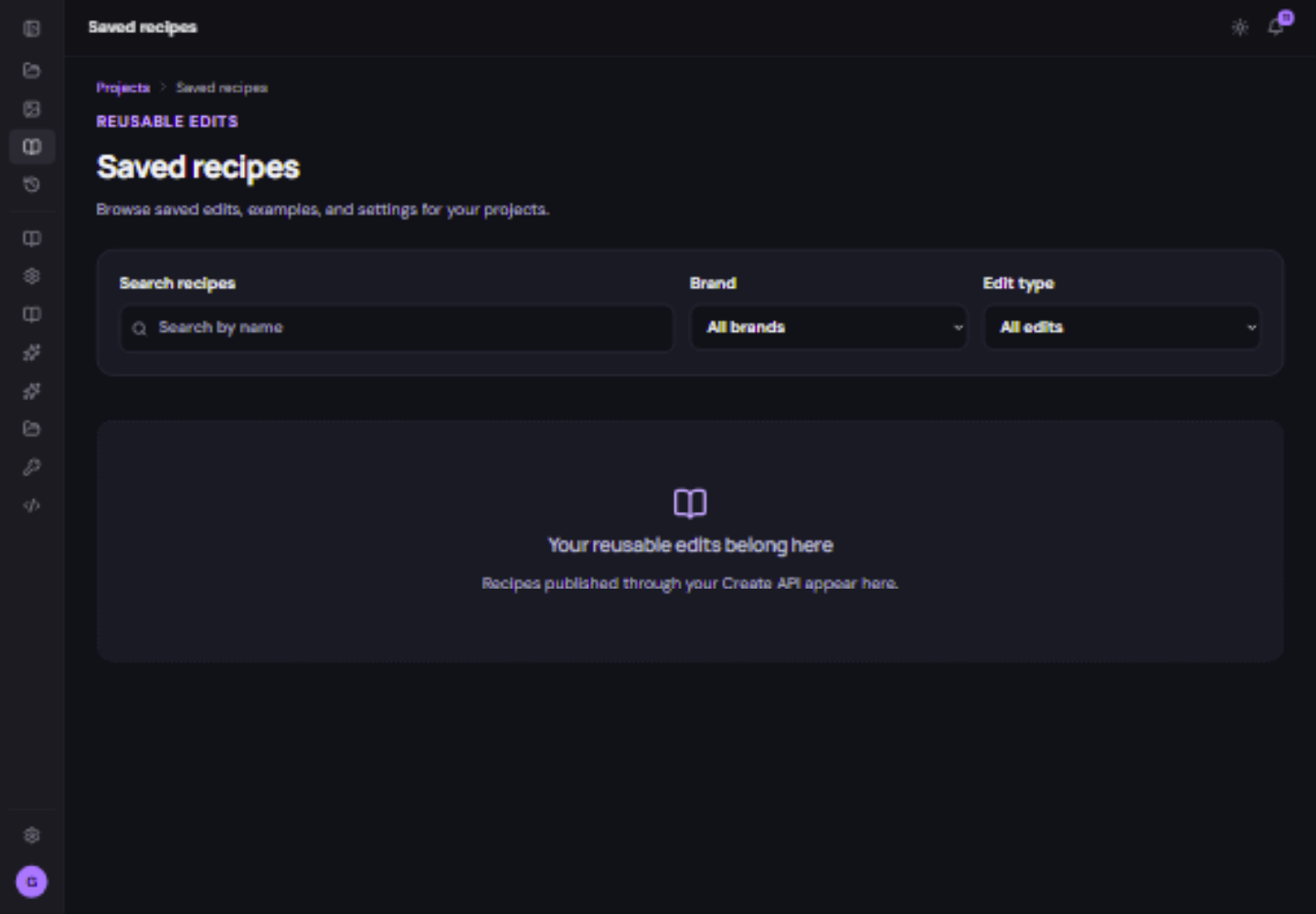
An editing recipe is a reusable set of supported editing instructions, such as a caption, transition or timeline pattern. The current Saved recipes page lists recipes published through the Create API. It is not a second media library, and an empty list does not mean your source files are missing.
If you use an assistant or integration to publish recipes, name them for their purpose and review the resulting edit before export. Developers can use the API reference; beginners can start with the ordinary editor walkthrough.